How to Set Up Your Horse Training Barn in EquineOps Barn Software

EquineOps
Apr 16, 2026
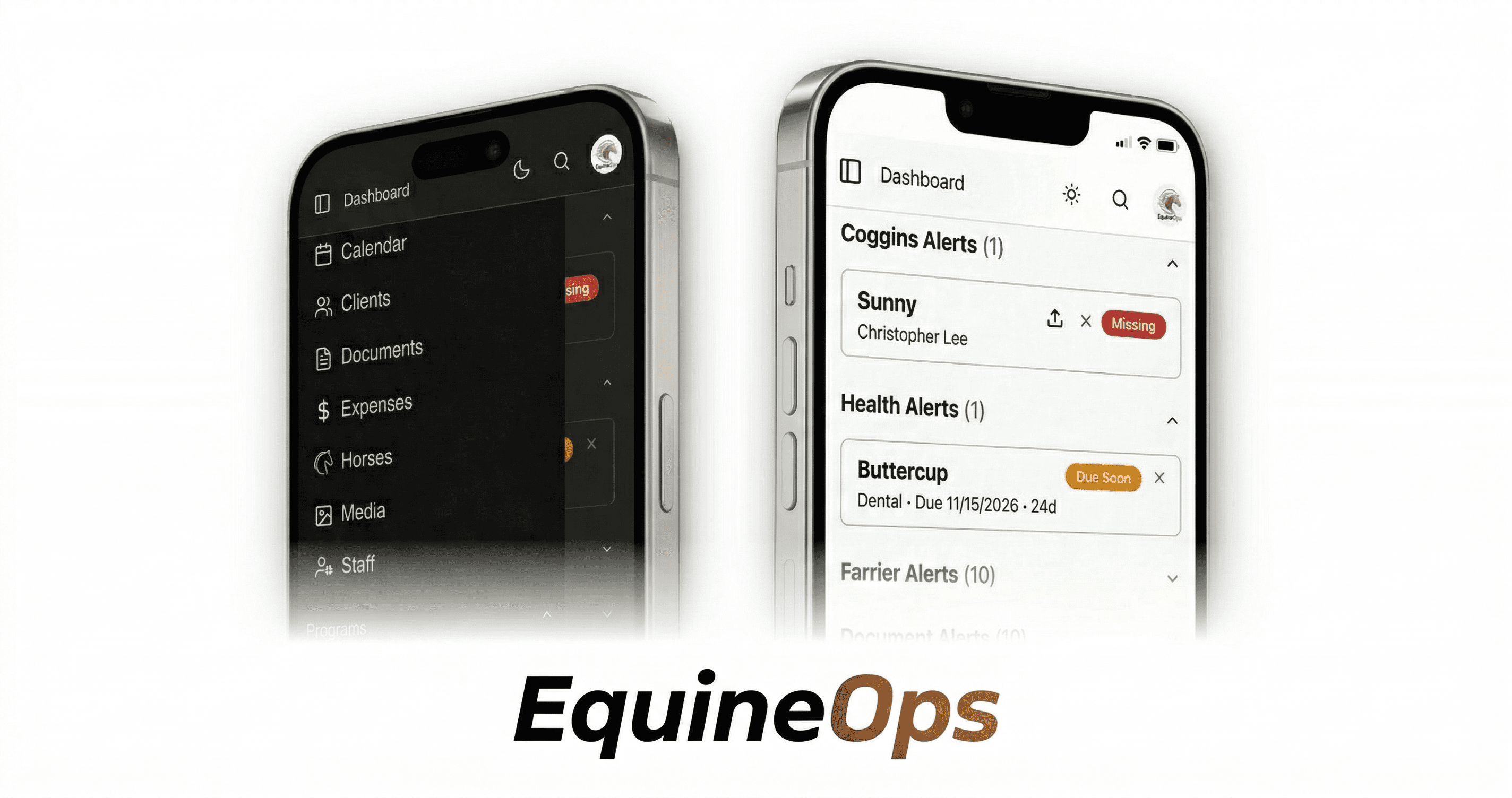
You just signed up for EquineOps. Now what? Getting your training operation into the system is faster than you think — most horse trainers have their barn fully set up in under an hour, even with dozens of horses.
Here's a step-by-step walkthrough of how to go from a fresh account to a fully running barn management system.
Step 1: Create Your Account and Name Your Barn
Sign up at app.equineops.com and create your organization. This is your barn — give it a name, set your timezone, and pick your currency. EquineOps automatically generates a unique barn code you can share later when transferring horses or connecting with other trainers.
Once your barn is created, EquineOps sets up everything behind the scenes — your default programs (Farrier, Feed, Health, Training, Treatment), your task lists, and your document storage. You don't have to configure any of that manually.
Step 2: Import Your Horses
This is the part that saves you the most time. Instead of adding horses one by one, you can import them all at once.
Upload a spreadsheet — If you have your horses in a CSV or Excel file, upload it and EquineOps will map the columns to the right fields. Horse name, breed, color, sex, barn name, stall number — it pulls everything in automatically.
Upload documents — Have Coggins papers or registration documents as PDFs? Upload those too. EquineOps uses intelligent services to read the documents and extract the horse's information automatically — name, registration numbers, test dates, vet details. No manual data entry required.
Click to watch the demo to see how easy importing is
The import wizard walks you through each step: upload your files, review what EquineOps found, make any corrections, and confirm. Your horses appear in the system with their records already attached.
Step 3: Invite Your Team
A horse training barn doesn't run on one person. Invite your staff — assistant trainers, barn managers, grooms, riders — and assign them roles:
Admins get full control over everything including billing
Managers handle day-to-day operations and can manage all records
Members see their assigned tasks and can complete them
Everyone gets their own login and can access EquineOps from their phone. Invitations go out by email and take about 30 seconds to accept.
Step 4: Connect Your Service Providers
This is where EquineOps stands apart from every other barn management tool. Invite your farrier, vet, dentist, or other service providers directly into your account. They get their own login with access limited to their area of expertise — your farrier sees the Farrier Program, your vet sees Health records, and so on.
When they visit your barn, they log their own work. No more chasing down invoices or waiting for emailed notes.
Step 5: Set Up Your Programs
With your horses imported, EquineOps has already created a program for each horse in every category. Now you just fill in the details:
Farrier — Set each horse's cycle length, default farrier, and shoeing type. Log the most recent visit so the system knows when the next one is due.
Feed — Enter each horse's feeding plan: grain type, amount, hay, supplements. Your staff can pull this up on their phone instead of guessing.
Health — Record the latest vaccinations, deworming, and dental work. Set next due dates so the dashboard alerts you when something is coming up.
Training Board — Open the weekly grid and start planning. Assign rides, set tasks, and your whole team sees the schedule.
You don't have to set up every program on day one. Start with what matters most — for most horse trainers, that's the Training Board and Farrier Program — and fill in the rest as you go.
Step 6: Invite Your Clients
If you have horse owners who want to stay in the loop, set up the client portal. Add your clients, associate them with their horses, and send them an invitation. They get a clean, separate login where they can see their horse's feed program, farrier schedule, health records, and photos — without calling you.
You're Up and Running
That's it. Your horse training operation is in EquineOps — horses imported, staff invited, programs set up, service providers connected, and clients informed. From here, everything your team does gets tracked, logged, and organized in one place.
No more spreadsheets. No more whiteboards. No more wondering if something got done. Just a professional barn management system built for how horse trainers actually work.